
Winnow
Photo Bursts for the macOS Photos App
Photos only recognises bursts shot on an iPhone. Winnow regroups the ones from your camera, so you can compare the frames and keep the best.
Photo Bursts for the macOS Photos App
Photos only recognises bursts shot on an iPhone. Winnow regroups the ones from your camera, so you can compare the frames and keep the best.
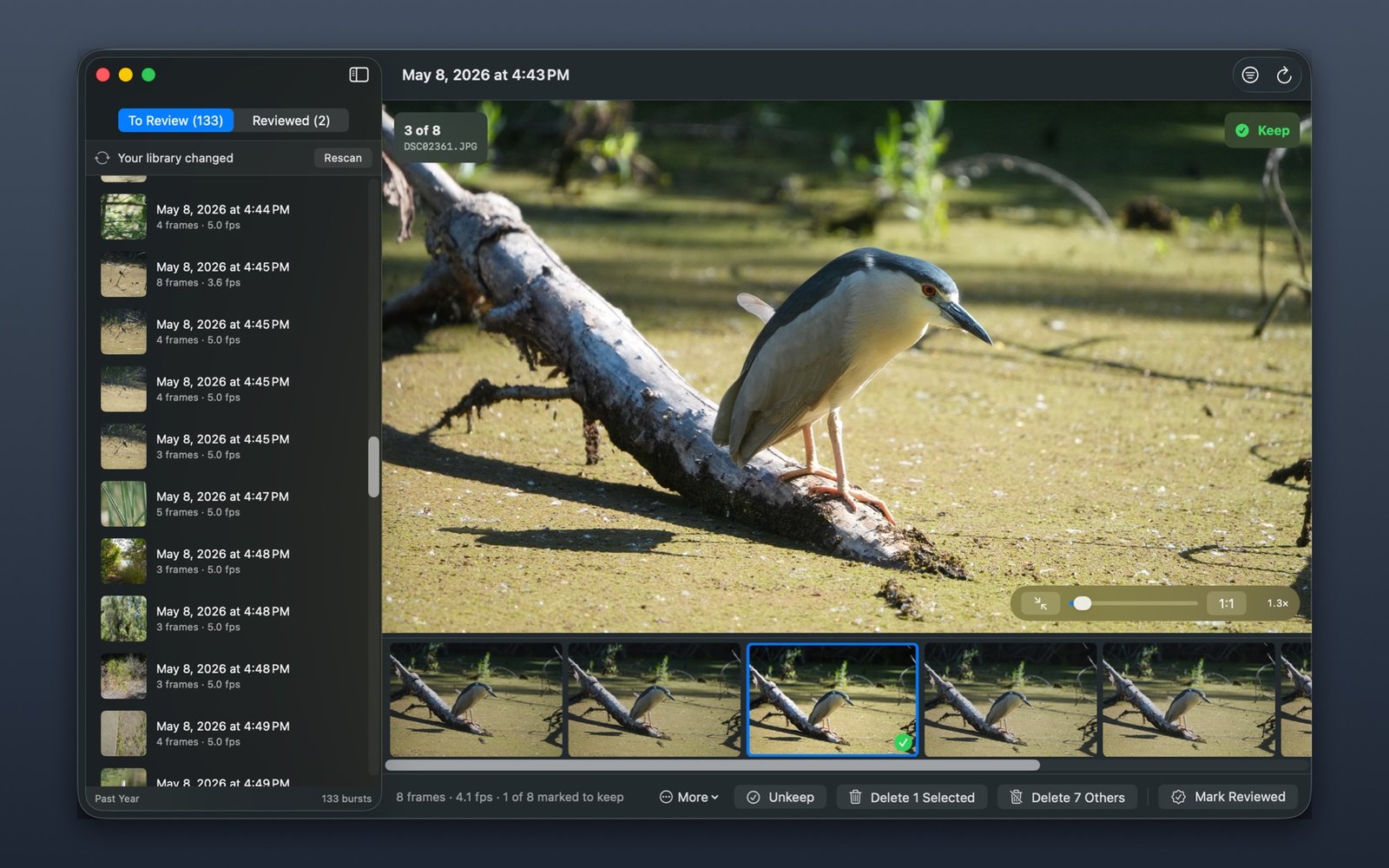
Hold the shutter on a mirrorless or DSLR body and you get thirty frames of very nearly the same picture. Import them and the Photos app has no idea they belong together — it files them as thirty unrelated stills, scattered through your library.
Finding the one frame that nailed focus then means scrolling past twenty-nine that didn't, one at a time.
Winnow makes no network connections of any kind. Nothing is uploaded, no analytics are collected, and there are no accounts. It reads your library, and it stores one small file recording which bursts you have reviewed.
Deleted frames go to Recently Deleted in Photos, where macOS keeps them recoverable for 30 days. Every deletion is confirmed by macOS itself.
$9.99 one-time on the Mac App Store. No subscription. Family Sharing. macOS 14 or later.
macOS 14 or later. Works with the Photos library you already have — no importing, no separate catalogue, no duplicate files.
Questions, problems, or a burst that isn't being detected the way you expect: winnow@tansfom.com.
If a burst comes out split in two, or unrelated shots get lumped together, the grouping threshold is adjustable under Filters — and the in-app Help explains how to tune it.